Cabinet declares 16 December a holiday for Queen Sirikit's royal cremation at Sanam Luang
Government offices close on 16 December 2026 as five days of ceremonies for Queen Sirikit, the Queen Mother, are held in the Grand Palace area.
Read more
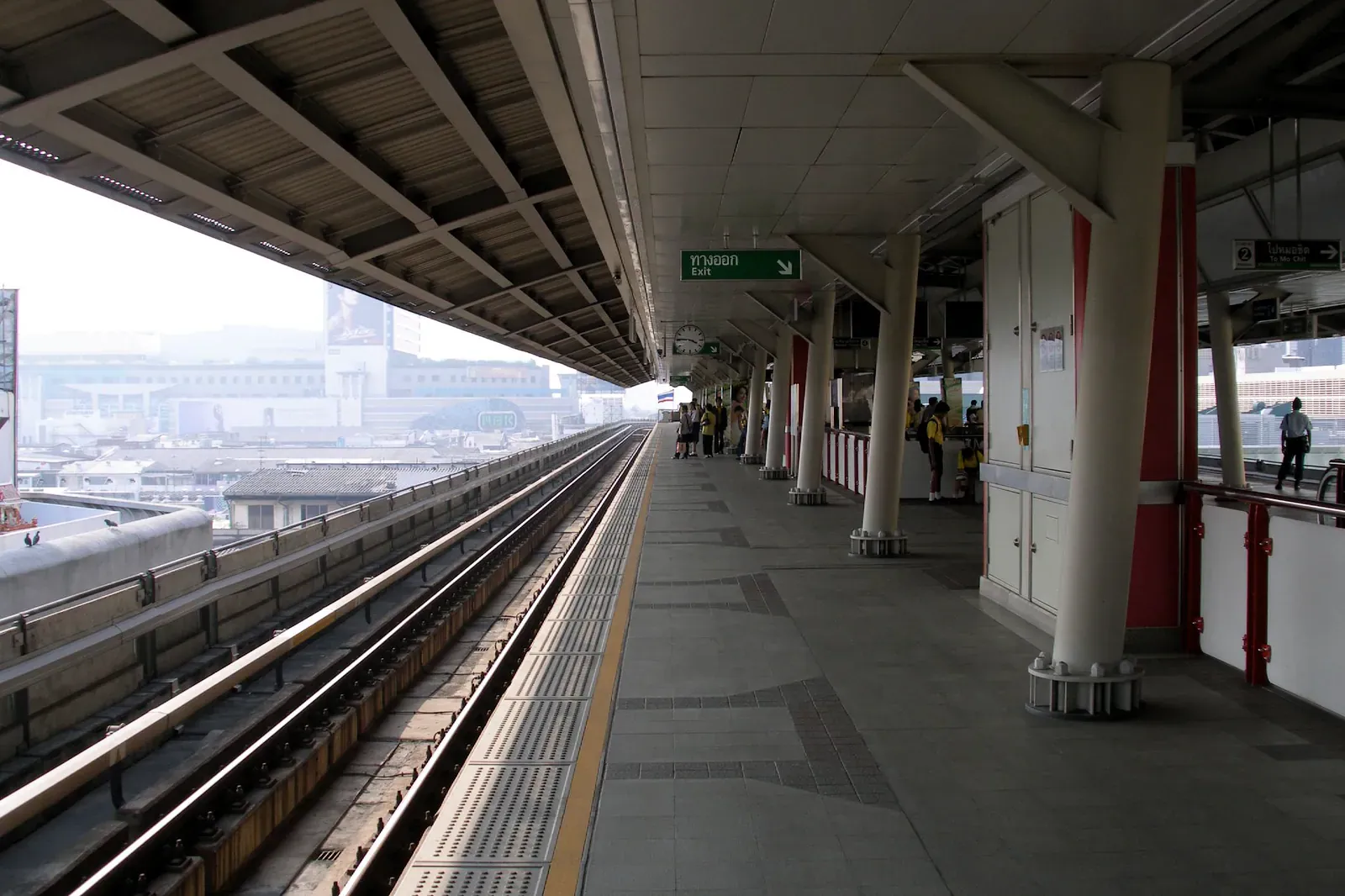
No single app runs Bangkok’s transport. That surprises first-time visitors who expect one “city app” the way some capitals have. The honest answer is to carry three or four apps and know which one to open for which trip: Grab or Bolt for a car, ViaBus for a real bus, Google Maps for planning, and the rail operators’ own apps for fare specifics.
Before the detail, the matrix most people actually need.
| Trip | Best app | Why |
|---|---|---|
| Car or motorbike taxi, door to door | Grab or Bolt | Upfront fare estimate, no language barrier for the destination |
| A real bus, not just a route number | ViaBus | Live vehicle position and stop-by-stop ETA |
| Planning a multimodal trip (walk plus BTS plus bus) | Google Maps | Combines timetables and walking legs in one route |
| Exact BTS fare between two named stations | BTS SkyTrain app | Built for that one job, nothing else |
| Exact MRT fare, or checking an EMV tap-in history | BEM MRT app | Covers Blue and Purple line fares and station facilities |
| Food or parcels alongside the occasional ride | LINE MAN | Bundles delivery and ride-hailing in one login |
Everything below explains why each app earns its slot, and where it quietly fails.
Grab is the app most visitors install before they land: it covers cars, vans, and motorbike rides, shows a fare estimate before you book, and carries the destination as a map pin rather than a spoken address a driver has to catch over noise. See Bangkok taxi and Grab guide for how it stacks up against a street-hailed metered taxi. For the booking steps themselves, first ride to payment, see how to use Grab in Bangkok.
Bolt runs the same idea with a smaller footprint, mainly in central Bangkok’s Sukhumvit, Silom, and Sathorn corridors. Several 2026 comparisons put Bolt fares 10 to 25 percent below Grab’s for an equivalent trip, with pickup sometimes faster in that zone. Neither claim holds trip by trip, so the practical move is the boring one: open both, compare the quoted fare, and book whichever wins. Promotions and surge pricing shift both apps constantly, and neither company publishes a standing price guarantee.
LINE MAN started as a delivery app and added ride-hailing on top, rather than the other way around. For a visitor it rarely wins on ride price or coverage against Grab or Bolt, but for anyone staying longer, food delivery, parcel pickup, and a ride option under one login is a genuine convenience, more useful as an extra app than as a transport default.
Google Maps handles BTS, MRT, and scheduled bus timetables well enough to plan a multimodal trip, and its walking directions in central Bangkok are generally accurate down to which skywalk connects which mall entrance. Where it falls short is live bus position: a scheduled time tells you what the timetable says, not where that bus actually is, which matters more in Bangkok traffic than in a city with dedicated bus lanes. Treat it as the planning layer, not the live-tracking layer.
This is the gap every generic “top apps for Thailand” roundup misses, because it only matters once you commit to riding a Bangkok Metropolitan Transit Authority bus rather than the rail network. ViaBus tracks BMTA buses, the ferry network, the Airport Rail Link, and, per its own feature updates, the newer BTS and MRT lines in real time, showing where a specific bus actually is and pushing a notification as it nears your stop. For a full walkthrough of the numbering and colour system it’s tracking, see Bangkok’s bus system decoded.
Nothing else on this list does that job for a bus. Grab and Bolt don’t touch fixed-route transit at all, and Google Maps gives you the timetable, not the vehicle. If your route only works by bus, ViaBus is the one app worth the download purely for that.
The BTS SkyTrain app and the BEM MRT app sit at the other end: narrow but precise. Each gives the exact fare and journey time between two named stations on its own network, nothing else. Neither covers the other operator’s line, and neither tracks buses or road traffic. Most riders default to Google Maps day to day and only open the operator app to double-check a fare or, on the MRT side, review a contactless tap-in history. Full detail on the fare structure, including the day-pass breakeven math, is in Bangkok BTS and MRT guide.
Not strictly, but it costs nothing to carry both and compare the quoted fare each time, since neither app is reliably cheaper on every route or hour.
Not for live tracking across all three. Google Maps comes closest for planning a combined trip, and ViaBus is the strongest single app for real-time bus and ferry tracking, but no app in 2026 unifies live tracking across every mode.
It has added tracking for some newer BTS and MRT lines per the app’s own feature updates, but its core strength stays the BMTA bus network, where it’s the only widely used option with real-time vehicle position.
Either can work; compare the quoted fare in both apps for the specific pickup point, since airport zones and add-on fees can differ from a standard city fare. Airport options are in the Suvarnabhumi and Don Mueang guides.
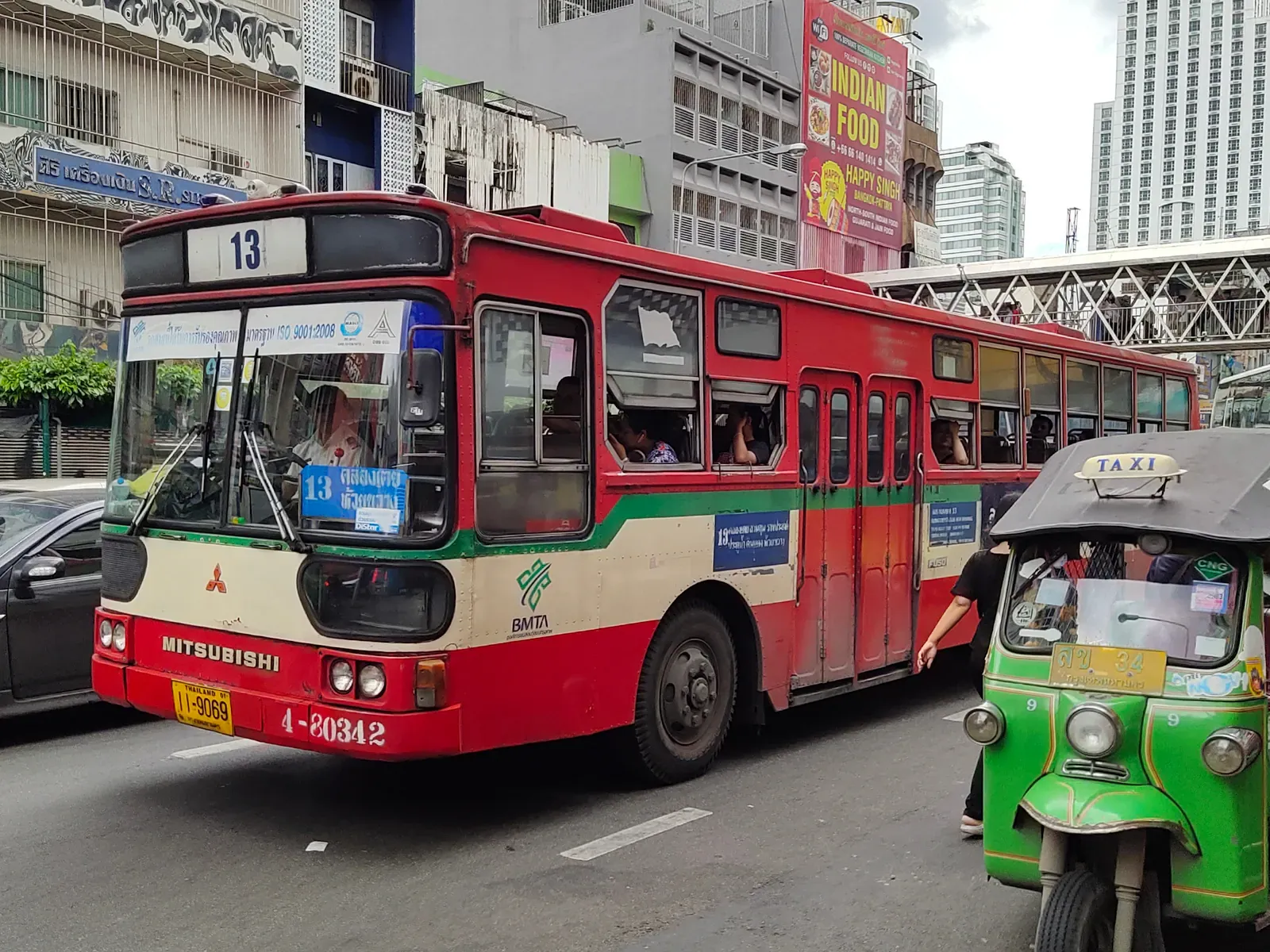
How Bangkok's bus network actually works: what the colours mean, why route numbers are mid-change

How the Bangkok MRT Blue loop and Purple Line work: key transfers, contactless payment since June 2026
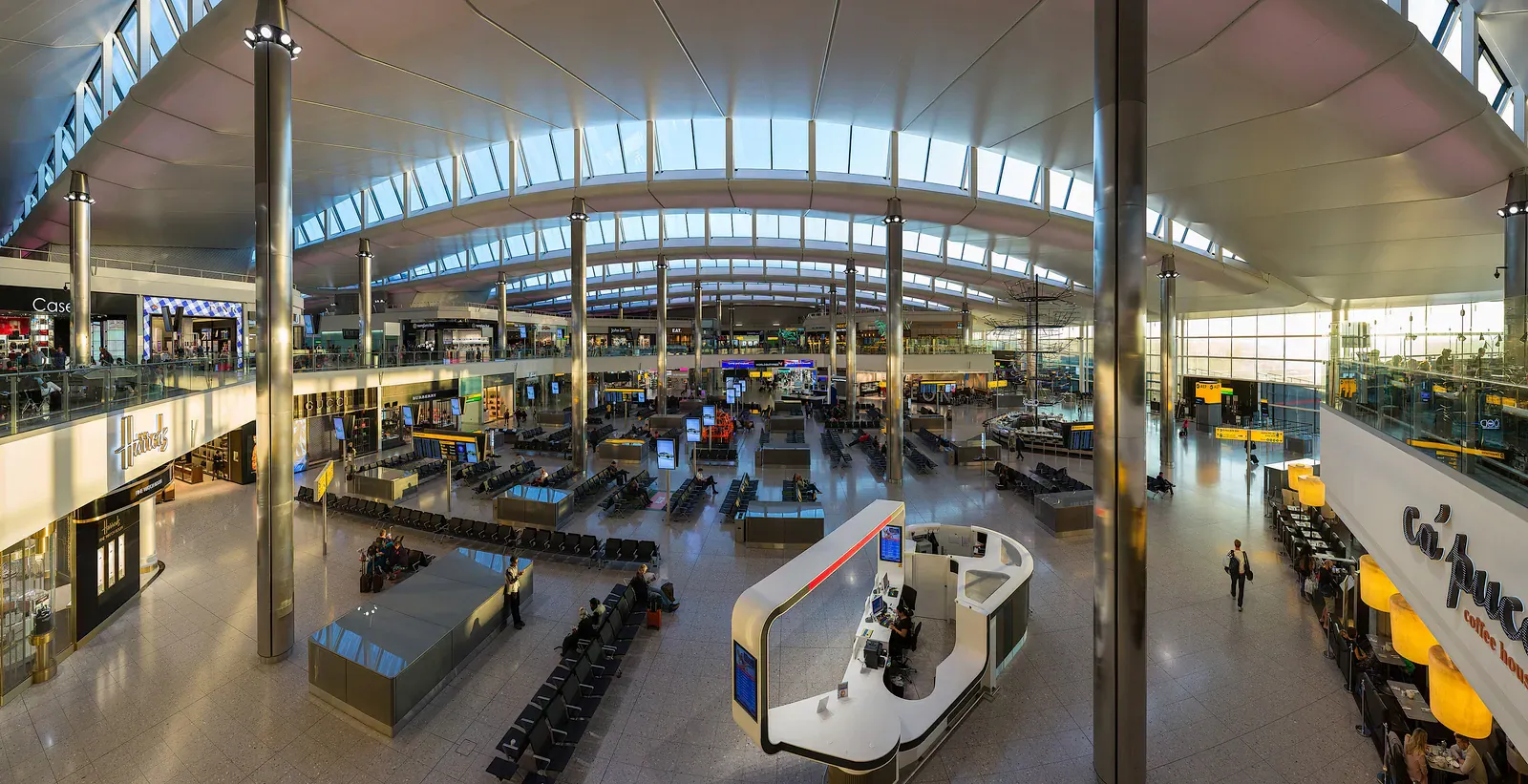
Which airlines fly to Bangkok from London nonstop (Thai, EVA, British Airways from Gatwick)
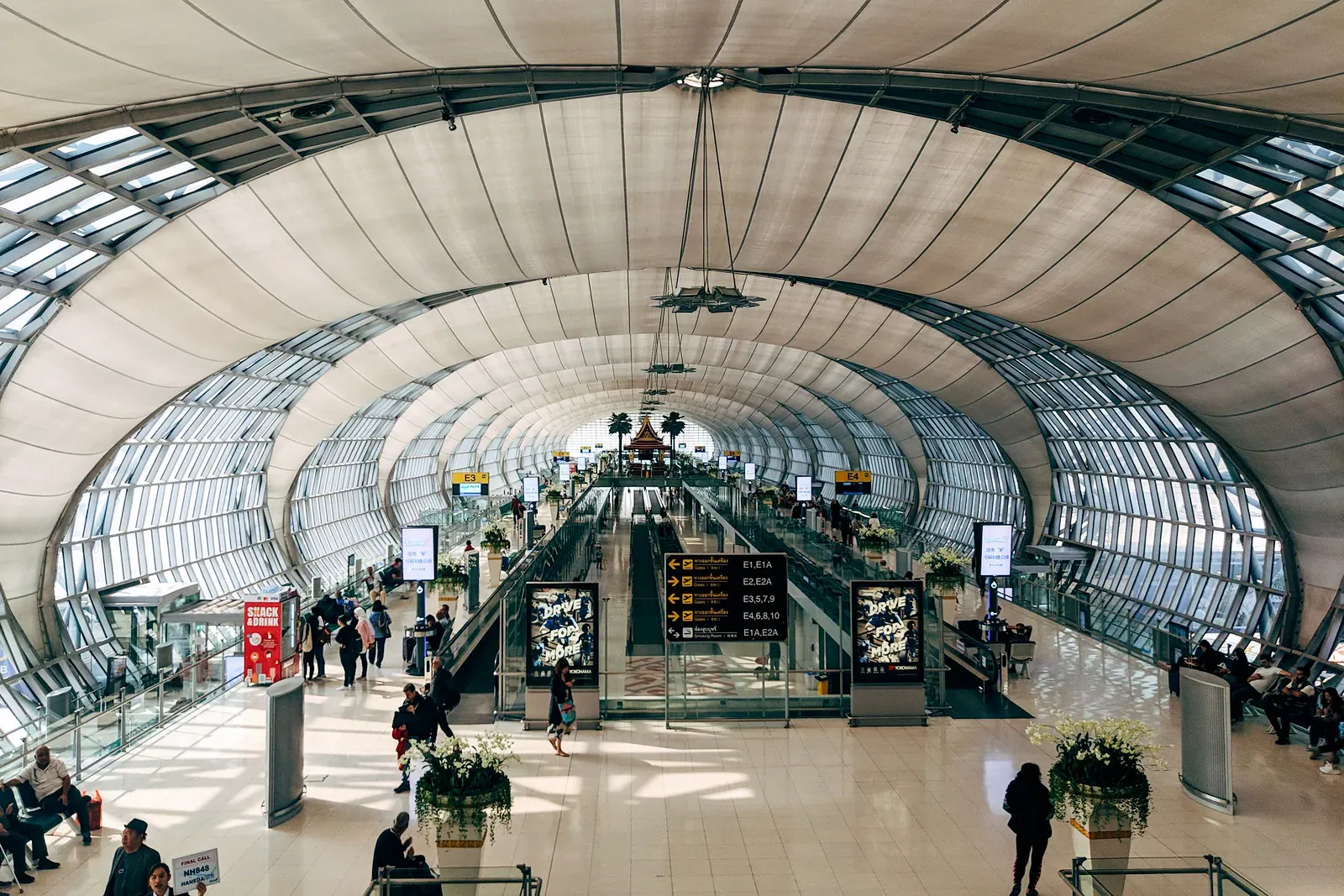
Suvarnabhumi (BKK) explained floor by floor: arrivals, immigration, SIMs, taxis and train

SiamPic Hall, Siam Square One, Siam, Chitlom and Ploenchit, Bangkok

Phenix Pratunam, Pratunam, Bangkok
centralwOrld Square, Siam, Chitlom and Ploenchit, Bangkok
No events listed for today.
All events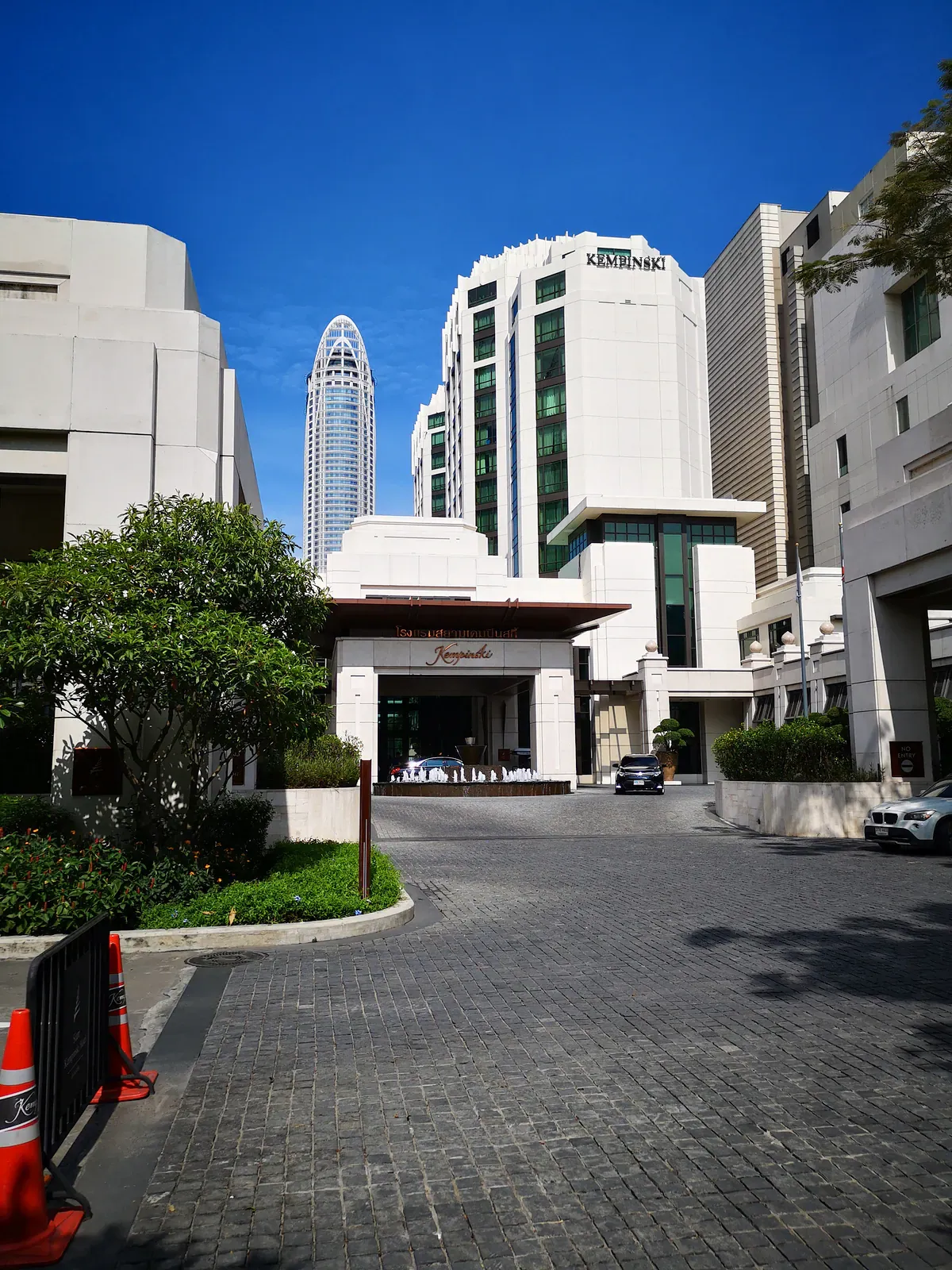
5-star hotel
Siam, Chitlom and Ploenchit
5-star hotel
Sukhumvit: Nana and AsokYou're subscribed as