Living
Internet speed and connectivity in Bangkok for remote work
What causes bad wifi in Bangkok, how to test a place before you sign a lease, and how to build a two-path connection so a client call survives an outage.

On this page
Bangkok’s fibre infrastructure is genuinely good by regional and even global standards, so when remote work connectivity fails here it is almost never the city-wide network: it is building wiring, a shared condo line, a contract tied to the wrong unit, or landlord-supplied wifi nobody has tested under real load. Treat connectivity as infrastructure to verify, not a feature to assume.
Where connections actually fail
The headline fibre speeds advertised by Bangkok ISPs are usually real at the exchange level. What breaks them on the way to your desk:
- Building wiring. Older condo buildings and shophouses often have internal cabling that predates high-speed fibre, so the connection degrades between the building’s main line and your unit regardless of what the ISP delivers to the property.
- Shared condo lines. Some buildings sell “included wifi” as an amenity running on one shared connection split across many units: fine at 2am, congested at 9pm when everyone is streaming and on calls simultaneously.
- Contracts tied to the unit, not the tenant. Many residential internet contracts in Thailand are registered to the property or the landlord, meaning you inherit whatever plan and router the previous tenant left, often years out of date.
- Landlord-supplied wifi with no visibility into the plan. A landlord advertising “wifi included” rarely discloses the actual plan tier, and asking for the account details or a fresh speed test before signing is reasonable, not intrusive.
- Advertised versus real throughput. Advertised download speed is a best-case number; upload speed, latency and stability under concurrent use are the numbers that actually determine whether a video call holds up, and ISPs rarely advertise those.
What to test before signing a lease
Do this at the actual desk you’d work from, not standing near the router, and do it during the building’s likely peak hours, not at 11am on a quiet weekday.
- Run a proper speed test at the desk, not in the living room or by the front door: signal strength drops meaningfully through interior walls in condo buildings, and the desk is where it matters.
- Check upload speed specifically. Download numbers get all the marketing attention, but video calls, screen shares and large file uploads depend on upload bandwidth, which is often a fraction of the download figure on residential plans.
- Make a real video call at the desk during early evening, when the building’s collective usage peaks. A connection that tests fine at noon can degrade sharply once everyone is home from work.
- Ask what plan is actually installed, including whether it’s fibre to the unit or a shared building connection, and get it in writing if wifi is bundled into the rent rather than billed separately.
- Check router placement and age if wifi (not a wired connection) is what you’ll rely on: a router in a hallway cupboard three rooms from the desk will underperform no matter how good the incoming line is.
Mobile data and eSIM as a real connection, not just a backup
Thailand’s mobile networks are strong in central Bangkok, and an eSIM or local SIM with a generous data allowance is a legitimate primary connection for many remote workers, not just an emergency fallback. eSIMs bought before arrival or activated locally let you get connected within minutes of landing, which matters in the gap before home or coworking internet is sorted. For day-to-day reliability:
- Tethering works well in most of central Bangkok, though throughput drops in some underground MRT-adjacent basements and deep inside large concrete buildings.
- A dedicated mobile hotspot device, rather than tethering off a phone, avoids draining the phone battery and gives a more stable dedicated connection for a full workday.
- Data caps matter more than speed for most remote workers here: check whether a plan throttles after a threshold, since a throttled connection can still look “connected” while being unusable for calls.
Building a two-path setup
The core resilience move for anyone whose income depends on being reachable: never rely on a single connection for anything that matters.
- Keep a primary wired or wifi connection at your desk as the default.
- Keep a mobile hotspot or tethering setup charged and ready, tested at least once a week so you know it actually works when needed, not just in theory.
- For a call you cannot afford to drop, join five minutes early on the primary connection and have the hotspot already powered on as a silent fallback, so switching mid-call is a phone-settings toggle, not a scramble.
- If working from a café or coworking space as backup, know the nearest reliable option to your home before you need it: see laptop-friendly cafés in Bangkok and the coworking spaces guide for how to evaluate a venue’s connection under real load, not just its marketing claim.
Power cuts and surge risk
Localised power cuts happen in Bangkok, more often during the rainy season storms than the rest of the year, and they take the router, the modem and often the building’s shared internet equipment down with them even if your laptop battery is fine. A small UPS (uninterruptible power supply) unit for the router and modem buys enough time to finish a call or save work cleanly rather than losing the connection instantly. Surge protection is worth having on any permanent desk setup, particularly in older buildings, since voltage fluctuations during storms are a real if occasional risk to unprotected electronics.
VPNs: why people use them here
VPN use among remote workers in Bangkok is common for a mix of reasons: routing traffic through a home-country IP for services that check location, general security habits on shared or public wifi, and personal preference around privacy. A VPN adds a small amount of latency and can reduce effective speed somewhat, which matters on an already marginal connection: test your setup both with and without the VPN running before assuming it’s the culprit if a call is choppy.
Latency to US and EU endpoints
Bangkok’s physical distance from North America and Europe means noticeably higher latency to servers there than a user based in, say, New York or London would experience: often in the range that makes a real difference to fast-paced video calls, competitive online gaming or remote-desktop sessions, even when raw bandwidth is high. This shows up less as a dropped call and more as a slight lag or a delay before someone responds, which can be mistaken for a bad connection when it’s actually distance and routing. Choosing call platforms and remote-desktop tools with servers or edge nodes in Asia, where the option exists, reduces this meaningfully. For latency-sensitive work (live trading systems, remote desktop into a home-country machine, real-time collaboration tools), test the actual round-trip experience before assuming your Bangkok connection is the problem.
Coworking and café wifi as part of the picture
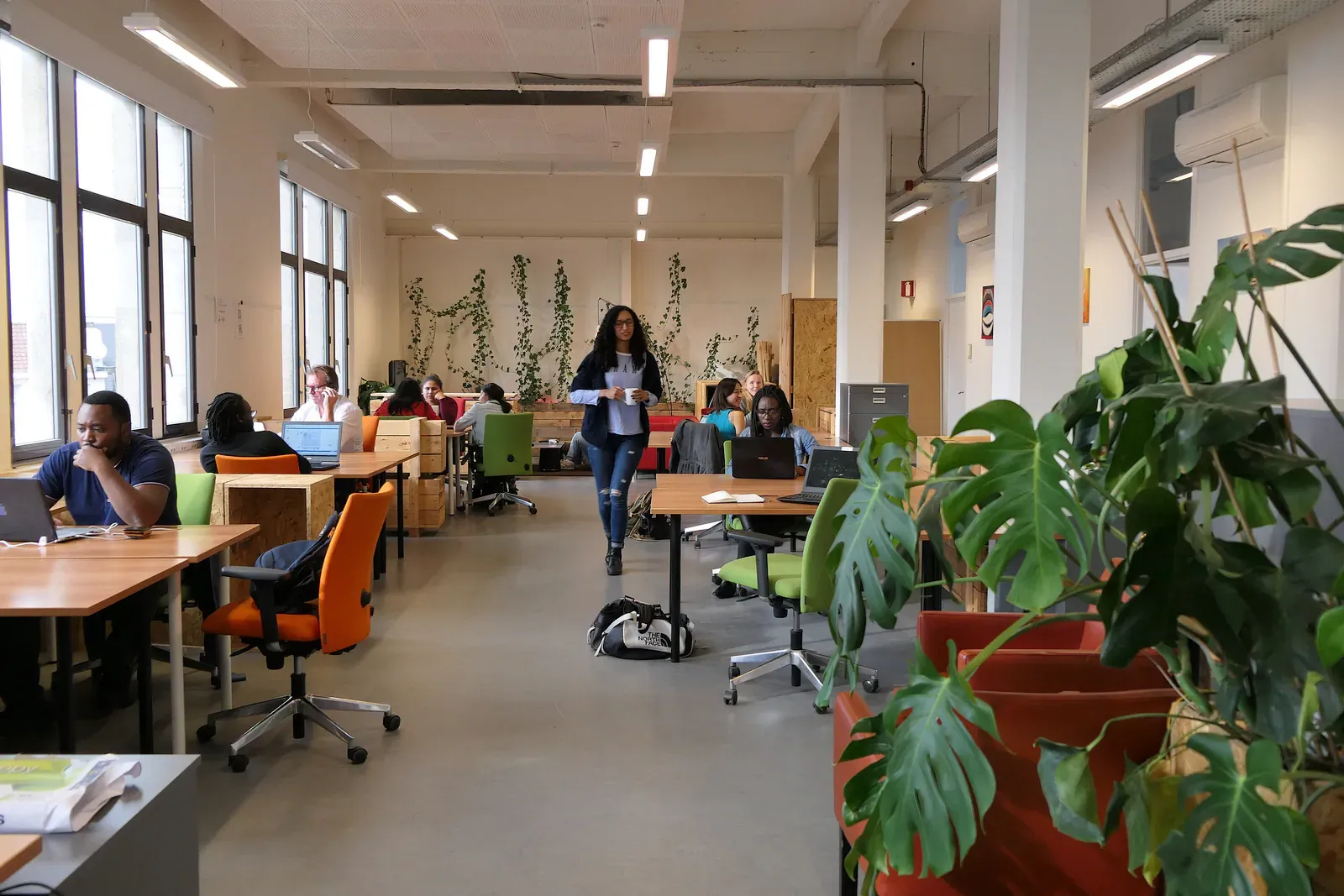
For anyone who splits work between home and a coworking space or café, connectivity planning doesn’t stop at the front door. Coworking operators generally invest in business-grade connections and redundant links precisely because outages are a reputational problem for them, which is one reason a membership can be worth it for someone whose home internet is unreliable: see the coworking spaces guide for what to check on a trial day, including how to test wifi under real load rather than trusting a front-desk claim. Cafés are more variable: a specialty café’s wifi is often an afterthought to the coffee, while café-hybrids built for laptop use tend to invest properly in bandwidth. Laptop-friendly cafés in Bangkok covers how to judge a café’s connection before committing an afternoon to it.
Registering an internet contract as a foreigner
Setting up a home internet contract in Thailand as a foreign resident is usually straightforward with a passport and proof of address, though some providers ask for a Thai co-signer or a larger deposit without one. If you’re renting, check first whether the unit already has an active contract you can take over, since starting fresh sometimes means a multi-week wait for installation: a gap worth bridging with mobile data rather than assuming the home connection will be ready on move-in day.
The practical kit list
A small kit removes most of the connectivity risk that catches new arrivals off guard:
- Travel router: lets you create your own trusted wifi network from any hotel, Airbnb or office ethernet port, useful when the house wifi is weak or poorly configured.
- Ethernet adapter: most modern laptops drop the built-in ethernet port, and a wired connection is still the most stable option when it’s available, especially for anything call-heavy.
- Power bank: keeps a phone or hotspot device alive through a power cut or a long day away from a desk.
- Local eSIM or SIM with a solid data plan: the backbone of the mobile half of a two-path setup, and worth having active from day one rather than only after the first outage.
- Small UPS for router and modem: the single most effective piece of kit against power-cut disruption, and often overlooked until the first bad storm.
Hotels and serviced apartments: a different set of questions
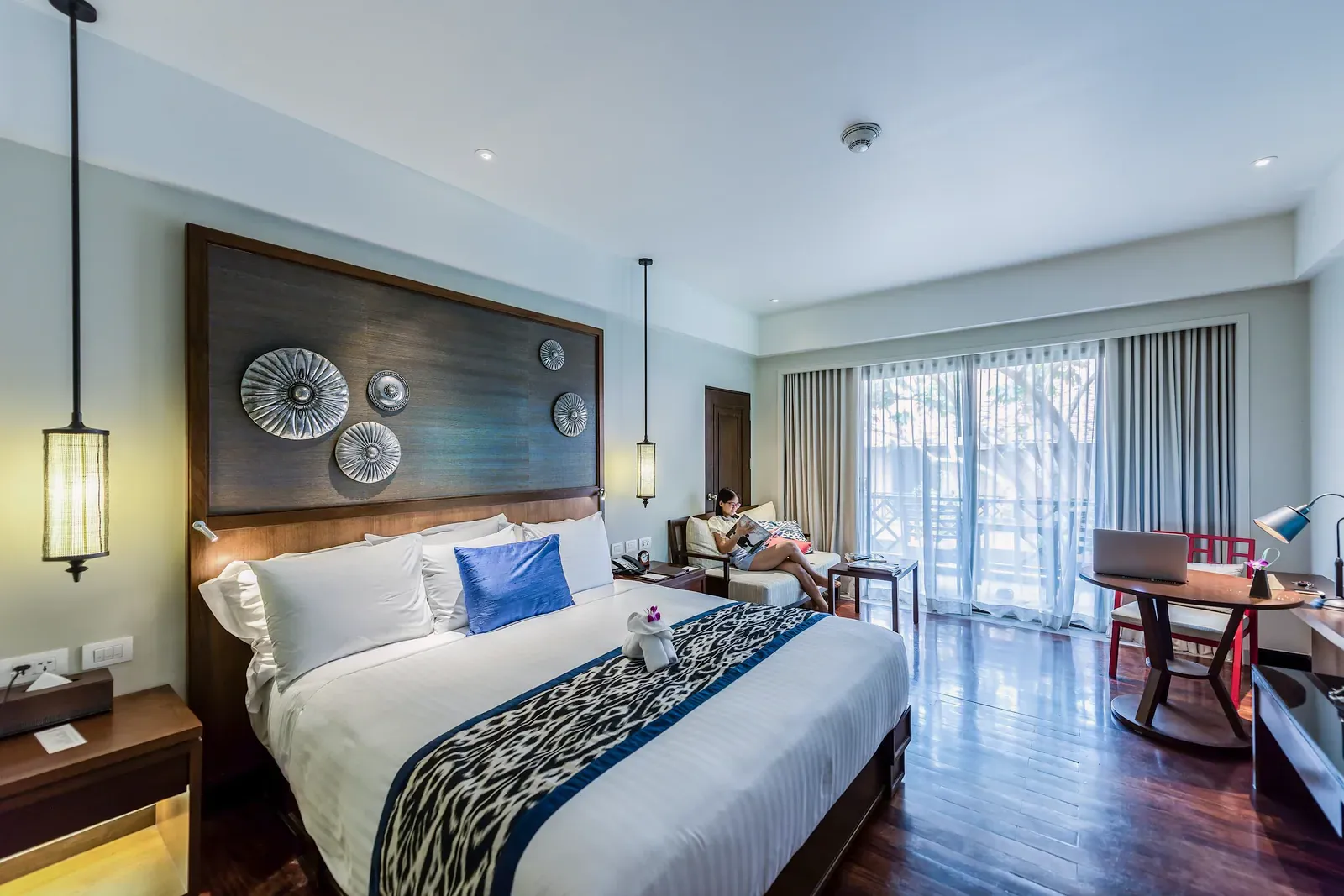
Anyone arriving for a short stay before committing to a lease usually starts in a hotel or serviced apartment, and the connectivity questions worth asking before booking are different from the ones that matter for a condo lease, because the stay is short enough that a bad connection can’t be fixed by waiting it out.
- Ask whether wifi is wired to the room or shared across the floor. Many hotels and serviced apartments run a single connection split across dozens of rooms, which behaves fine at 3pm and badly at 9pm when every guest is streaming or on a call. A wired ethernet port in the room, even as a backup to wifi, is a good sign the property has thought about business travellers.
- Ask for the actual speed tier, not the marketing description. “High-speed wifi” on a booking listing is not a number. A property that can state its plan’s speed without hesitation has usually tested it; one that answers vaguely often hasn’t.
- Check whether the business centre or lobby connection is separate from the in-room one. Some properties put their best bandwidth in a shared business centre and leave rooms on a weaker line, which matters if your plan is to work from the room rather than a common area.
- For a serviced apartment booked by the month, ask about the unit specifically, not the building. A serviced apartment brand can vary connection quality unit by unit depending on which line a particular room is wired to, especially in an older building the operator has leased rather than purpose-built.
- For anything longer than a couple of weeks, request a video call test before or immediately after check-in, during the property’s likely peak occupancy hours, using the same method as the pre-lease checklist above. A serviced apartment aiming for repeat corporate bookings will usually accommodate this without treating it as an odd request.
- Keep the two-path habit even in a hotel. A hotel’s wifi failing mid-call is exactly the scenario a charged mobile hotspot or a generous eSIM plan is meant to cover, and it matters more here than at home, since you have less ability to fix a bad connection in a booked stay than in your own lease.
A short stay is also the easiest place to simply switch rooms or properties if the connection genuinely doesn’t work (a flexibility a signed lease doesn’t offer), so it’s worth raising a persistent problem with front desk or guest services directly rather than working around it for the length of the booking.
Testing your setup on an ongoing basis
A connection that tests well on move-in day doesn’t stay that way automatically. ISPs occasionally change routing or throttle certain traffic types without much notice, buildings add tenants that increase load on shared lines, and routers degrade or need firmware updates over months of continuous use. Running a quick speed test at your desk once a month, and a real video call test before anything important, catches slow degradation before it becomes a mid-call emergency. Keeping a simple log (date, download, upload, time of day) makes it obvious when a genuine problem starts versus normal daily variation, and gives you something concrete to raise with the ISP or landlord if a fix is needed.
Common questions
Is Bangkok internet fast enough for remote work?
Yes, generally: Bangkok’s core fibre infrastructure is strong, and most connectivity problems trace back to building wiring, shared lines or an old router rather than the city’s network itself. Test at the actual desk before assuming a listing’s “high-speed wifi” claim holds up.
Should I rely on eSIM data instead of home wifi?
For many remote workers, a generous eSIM or local SIM plan works well as a primary connection in central Bangkok, not just a backup. The main limits are data caps and throttling rather than raw coverage, so check the plan’s terms rather than just the headline speed.
How do I avoid signing a lease with bad internet?
Test a real speed check and a video call at the actual desk during evening peak hours before signing, and ask specifically what plan is installed rather than trusting “wifi included” on a listing. See the pre-lease testing checklist above for the full sequence.
Do I need a VPN while working from Bangkok?
Not strictly for connectivity reasons, but many remote workers use one for location-dependent services or general security habits on shared wifi. It can add latency, so test your setup both ways if calls feel laggy.
What happens to my internet during a power cut?
Router, modem and often the building’s shared equipment go down with the power, even if your laptop keeps running on battery. A small UPS for the router and modem is the most effective fix, buying enough time to finish a call or save your work.
Why do video calls to the US or Europe feel laggier from Bangkok?
Physical distance and routing add real latency to North American and European endpoints, which shows up as slight delay rather than a dropped connection. Bandwidth isn’t the issue; choosing platforms with Asia-based servers, where possible, usually helps more than upgrading your plan.
Written by
Mike Brochlowski
Founder and editor, travel photographer and designer
I'm Mike Brochlowski, a travel photographer and designer, and I currently live on Koh Samui, Thailand. I built BangkokWiki to put practical, checked information about Bangkok in one place. Every page is researched from official and primary sources, and the text names them. Where a page shows a checked date, that is when its facts were last confirmed. I also run samui69.com, a non-commercial guide to Koh Samui. If you spot an error or something out of date, tell me through the contact page and I will check it and correct the page.
Read all articles
Visas and paperwork
Staying in Thailand longer?
Visas, extensions, documents and banking for longer stays. Rules and fees change often and offices apply them differently, so check the official source before you act.
Places to stay
Find a hotel
Explore the other desks
More from Living
- 10 min read
 9 min read
Laptop-friendly cafés in Bangkok: the unwritten rules
 9 min read
Renting Near an International School in Bangkok

Newsletter
You're subscribed as